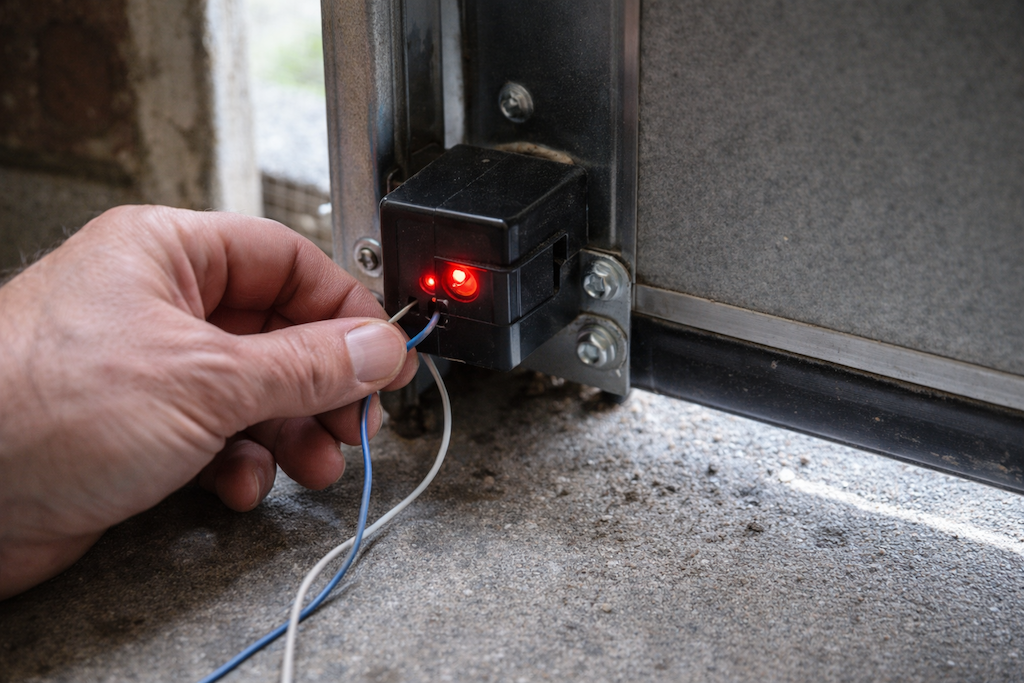
Your myQ garage door controller includes seamless smartphone control and smart home integration, but at times technical issues call for a restart. Your device is resettable so you are able to resolve connectivity problems, remove corrupted settings, and enjoy the best performance. If issues persist, consider reaching out to garage door repair services in Coral Springs such as Top Service Garage Door Repair for expert help. We’re always here for you!
Why Your myQ System Needs a Factory Reset
Some situations call for you to reset a myQ garage door opener to its factory settings. Problems connecting with your residential Wi-Fi network are usually a result of lapsed network credentials or router changes. A reset typically fixes communication problems if your opener will not respond in smart home scenes or in the myQ app.
Device issues such as erratic movement, not opening or closing correctly, or inactive LED indicators also call for a factory reset. Besides, when you are selling the property or transferring ownership, resetting ensures the next owner is able to configure the system with their own codes. Before transferring ownership, it can be especially important to know how to factory reset a myQ garage door opener for peace of mind.
Step-by-Step Factory Reset Process
To factory reset a myQ garage door opener, you will initially need access to the garage door motor unit’s control panel. To get started with it, seek the “Program” or “Learn” button inside the motor housing – it is usually a rectangular button in association with an LED light.
Press and hold the Learn button for about 10 to 15 seconds until all LED lights are out. That will erase all learned remote controls, keypad codes, as well as myQ app connections in its memory. How long it actually takes depends on what model you are using; just hold until the light goes out.
Release the button after 30 seconds. It needs this brief moment so as to complete its restart process as well as return to default factory settings – a true myQ factory reset.
Solving Reset Issues
Some property owners encounter difficulties during the factory reset process. If the LED light doesn’t respond when pressing the Learn button, check your garage door opener’s power connection. Unplug the unit for 30 seconds, then reconnect it before attempting the reset again.
Certain past myQ incarnations may employ a different method. We recommend you consult your owner’s manual for model-specific information because button location and reset sequence may vary between product lineages.
Should several attempts not produce a system reset, it is possible the Learn button is not functioning. Call Chamberlain customer service or Top Service Garage Door Repair for advice on other reset procedures or possible hardware problems.
Resynchronizing Your myQ System After a Reset
After you’re successful in performing the factory reset, you’ll then reconnect your myQ garage door controller with your network as well as devices. To begin with, you should download or reopen the myQ app within your smartphone and use the in-app set-up wizard for creating a fresh connection.
To reconnect, make sure your smartphone is still on the same Wi-Fi network you’d prefer for the myQ system. Set up consists of scanning a QR code or entering in the device’s serial number, which is found printed on a sticker on the motor unit.
Reprogram any codes for remotes and keypads when you activate the app. Individual remotes should each be programmed using the Learn button sequence specified in your user guide.
Peak Performance Management
Most myQ units do not require annual factory resets; knowledge about performing it does solve periodic technical issues, though. Schedule annual maintenance checks for cleaning sensors, greasing movable parts, and verification for all safety features to function within normal limits.
Should troubleshooting fail, or you are still facing recurring issues despite several resets, our trained garage door professionals can diagnose hardware failure or recommend upgrades. Proper investment in upkeep prevents property damage while allowing for efficient use of garage doors in the coming years. If you continue to have trouble, don’t hesitate to reach out for garage door repair services in Coral Springs to keep your system running smoothly.